Smart Detailmarker Maxi
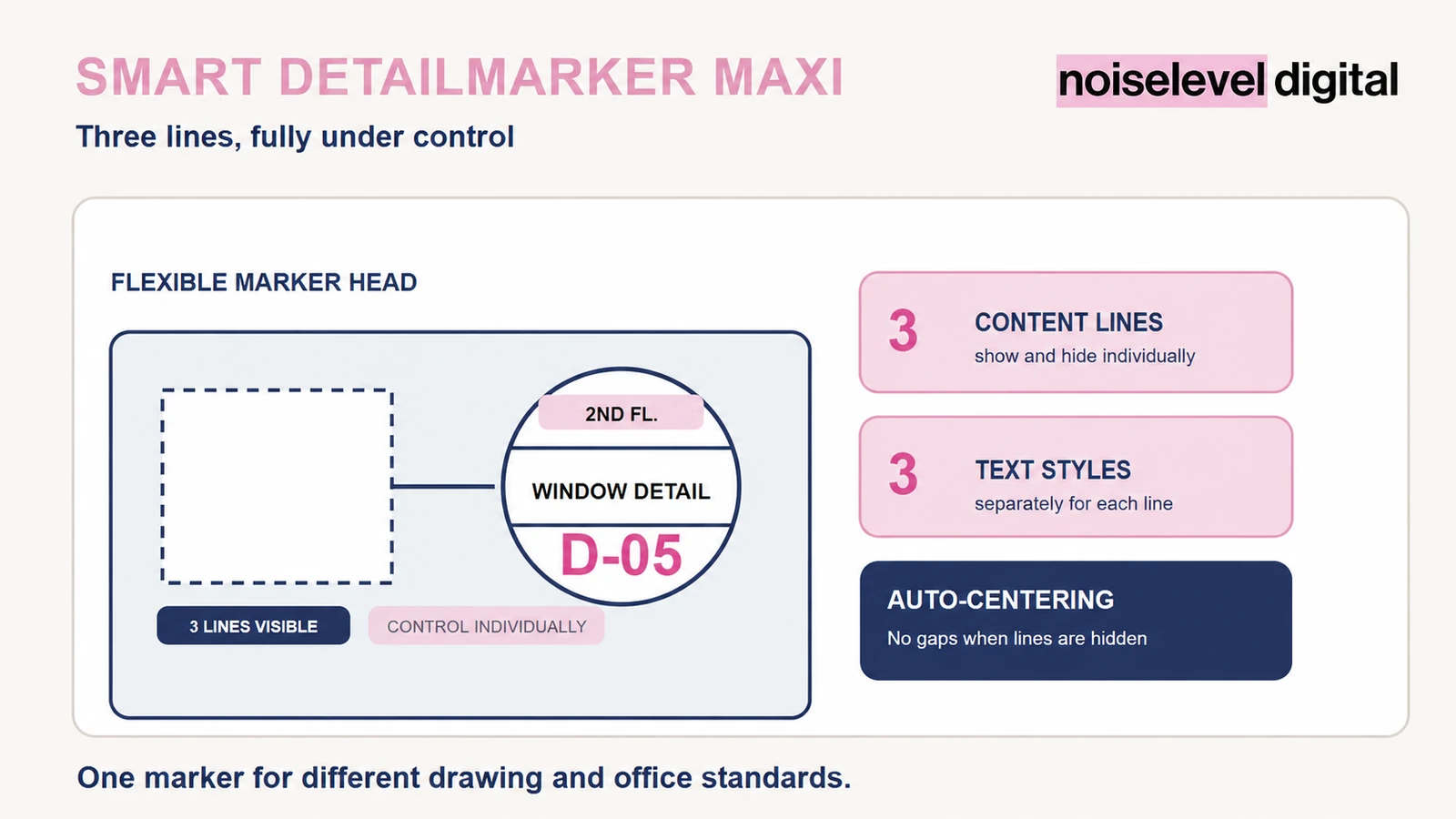
A fully configurable detail marker with three independently controlled and automatically arranged lines.
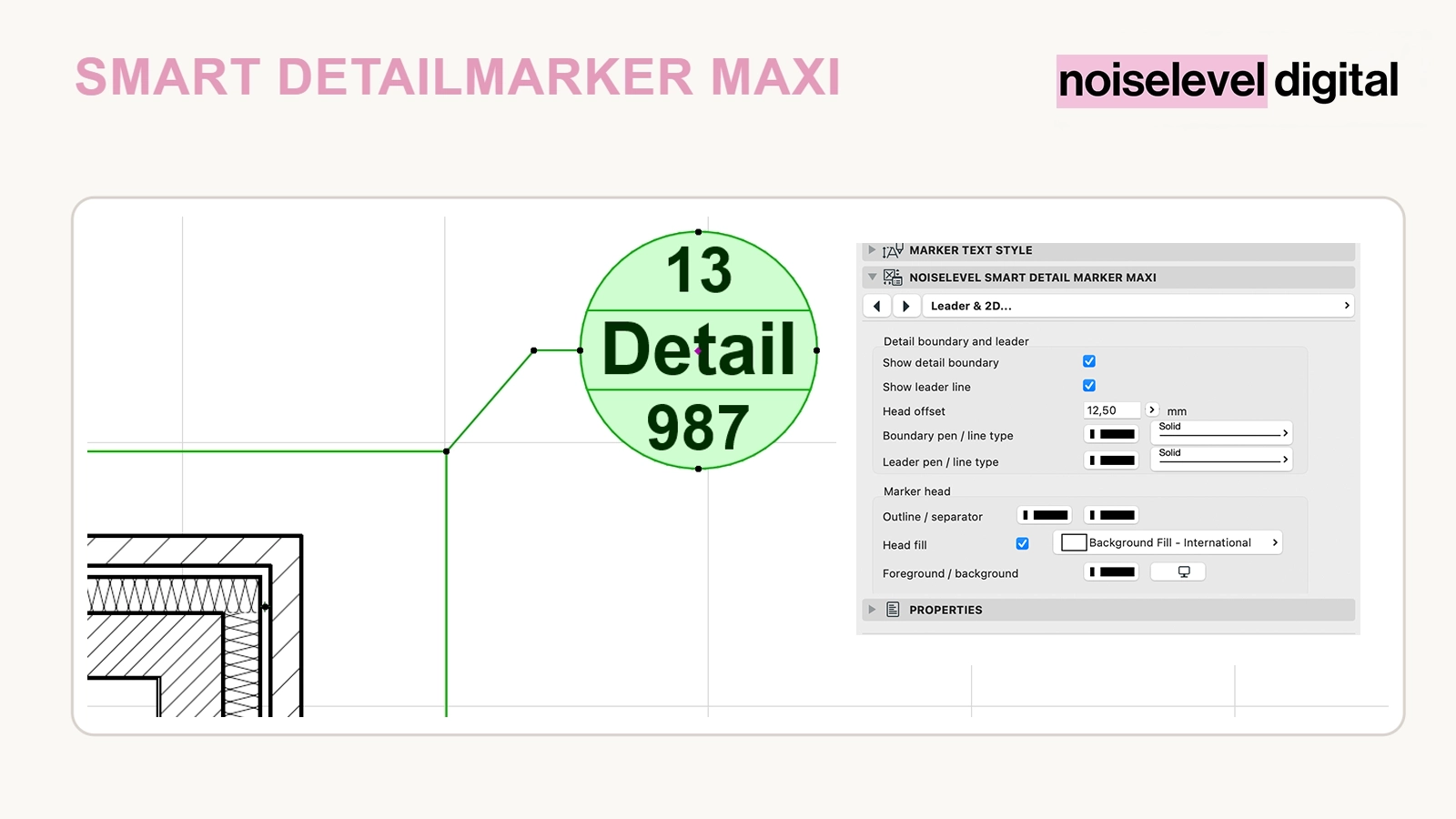
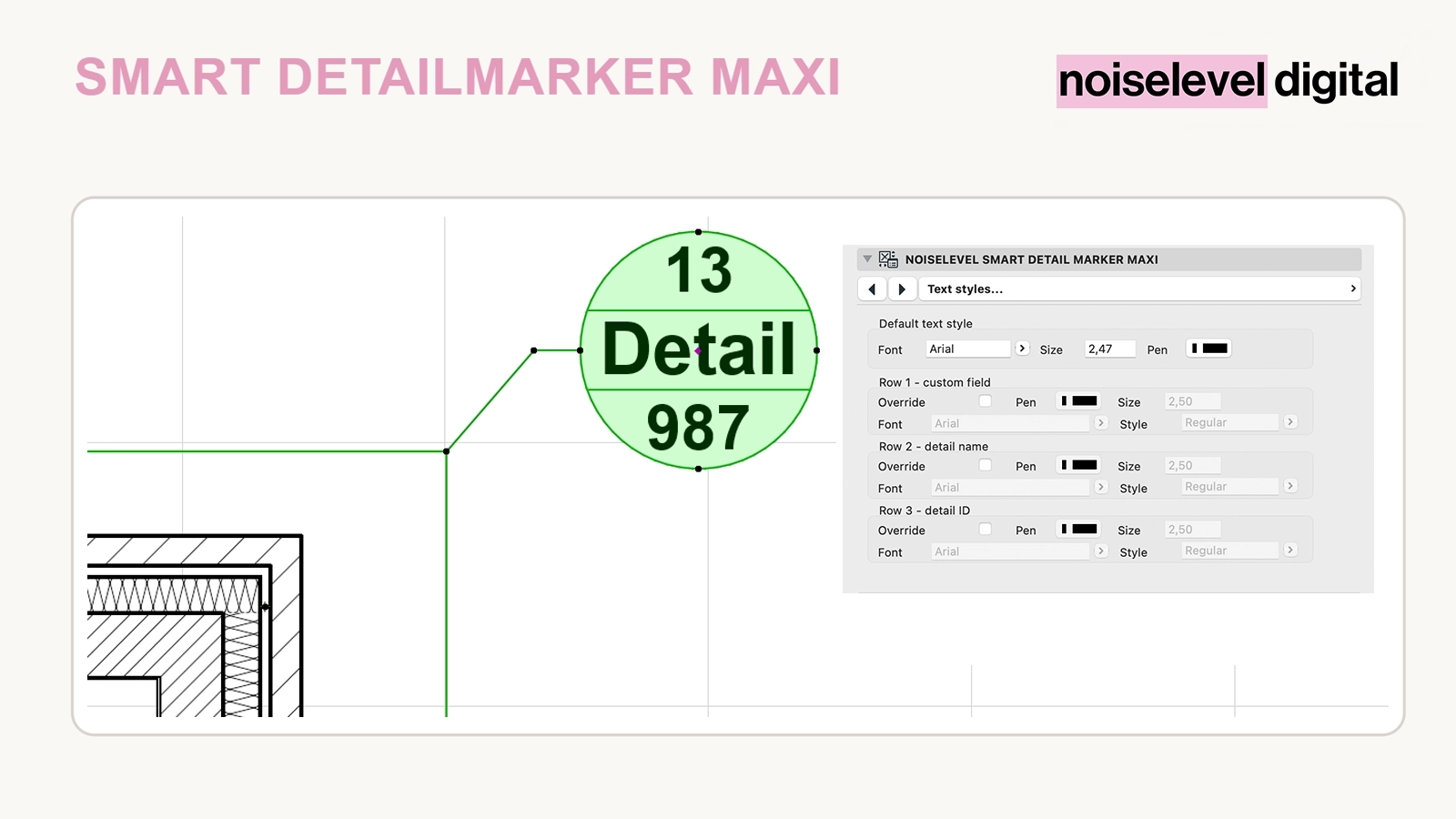
The detail marker for different office standards
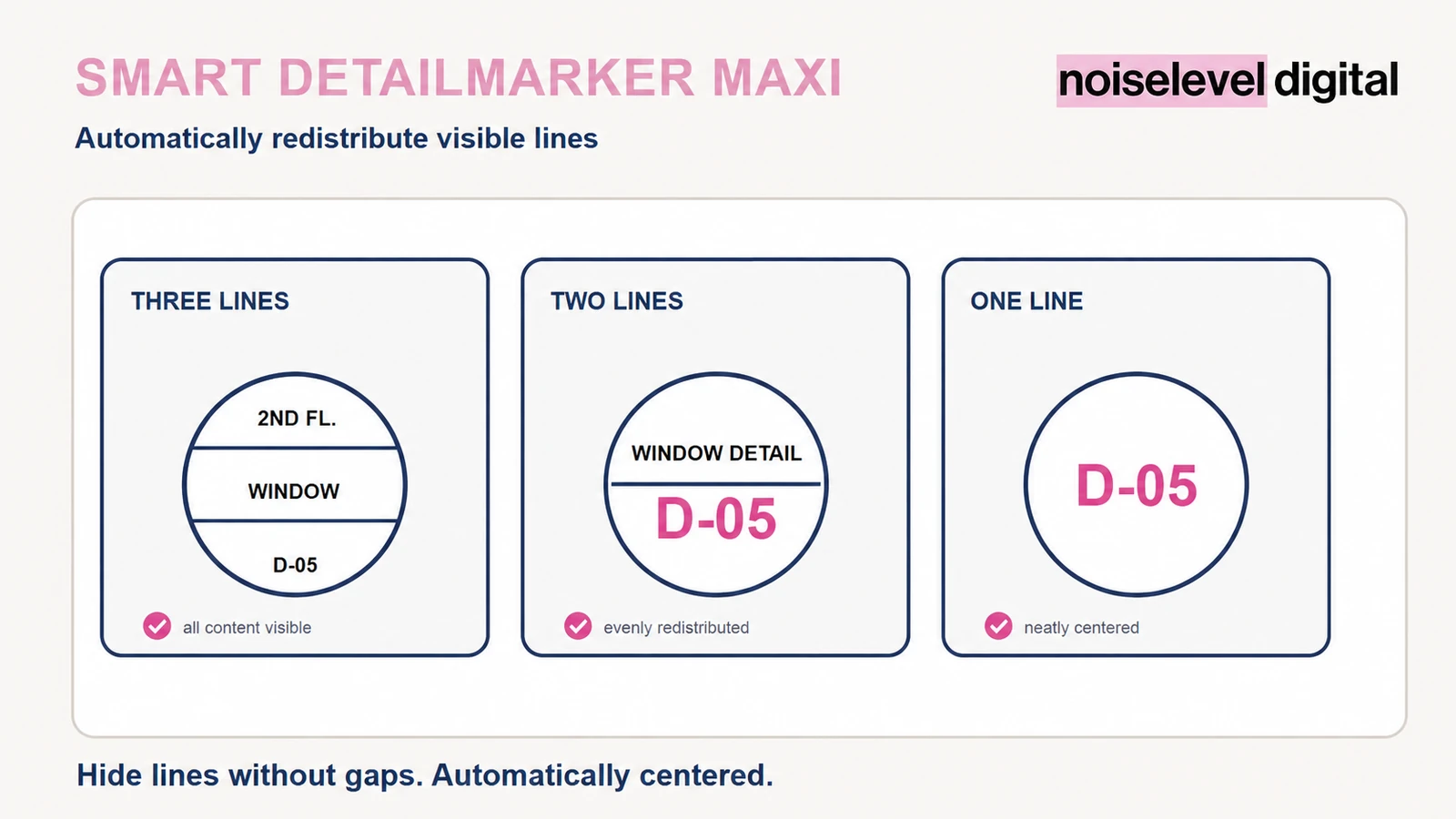
Not every drawing needs the same information. Smart Detailmarker Maxi lets you display, override and format the additional field, detail name and detail ID individually. Hidden lines leave no gap: the remaining content is automatically centred and redistributed.
Included
- three independently controlled content lines
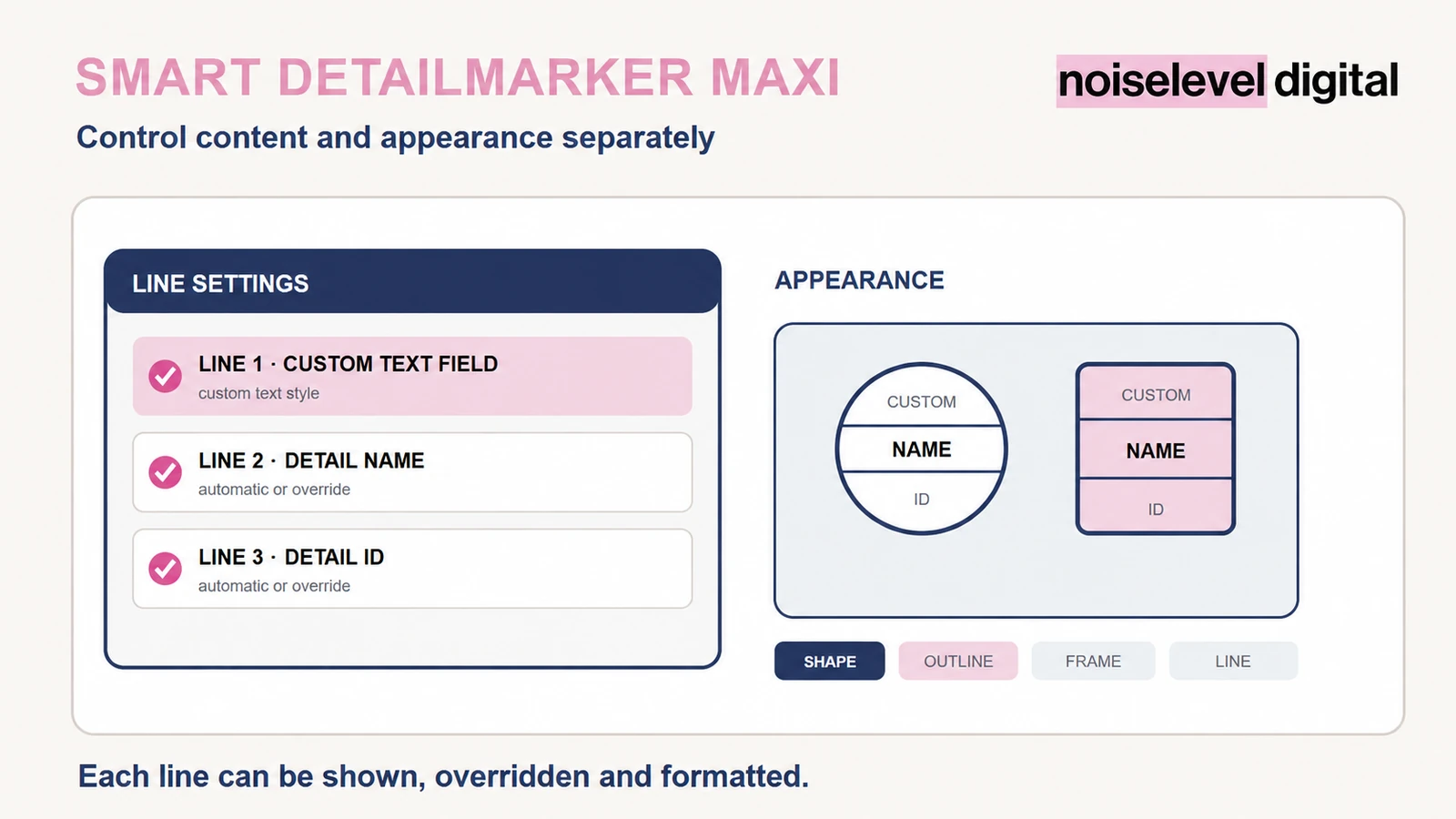
- custom additional field, automatic detail name and automatic detail ID
- manual overrides for detail name and detail ID
- automatic centring of visible lines
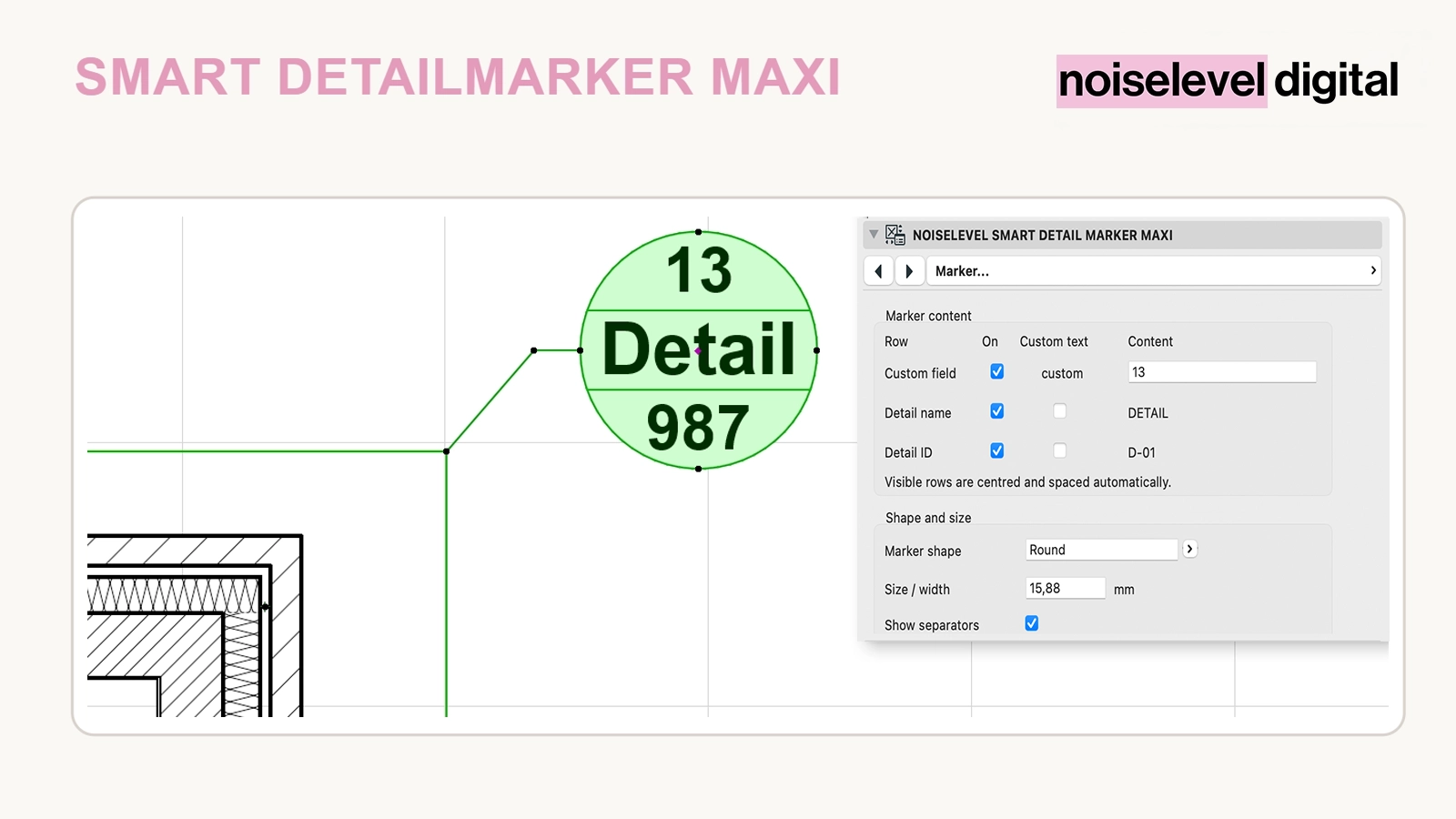
- separator lines that can be shown or hidden
- round and square marker shapes
- full frame, connection and marker-head display settings
- individual text style for each line
- GSM library part for Archicad® 27–28
Control content and appearance separately
Each line is enabled and formatted independently. The detail frame, connection line, outline, separator lines and marker-head fill can be adapted to office standards. Font, font size, pen and font style are available separately for each line.
How it helps in everyday office work
- one marker covers different drawing and office standards
- automatic project data remains linked
- exceptions can be overridden without a new library part
- reduced markers with one or two lines remain neatly centred
Who is this tool for?
For offices that need an adaptable detail marker with full control over content, visibility and text styles while continuing to use automatic project data.
How it works
Unzip the download, load the GSM file and link the marker to a detail project view using the Detail tool. Enable the required lines, choose automatic or custom content and configure the shape and appearance.
Technical requirements
Automatic display of the detail name and detail ID requires a valid link to the project view. A custom override disconnects only the corresponding content from automatic display. Project attributes may need adjustment.
Important notes
Smart Detailmarker Maxi is the fully configurable version. For a deliberately reduced three-line structure, use Smart Detailmarker Mini.
Archicad® is a registered trademark of GRAPHISOFT SE. Noiselevel Digital is not affiliated with or endorsed by GRAPHISOFT SE.