Smart Label Free
A free Archicad label for displaying one linked property or custom text.
An easy introduction to intelligent labels
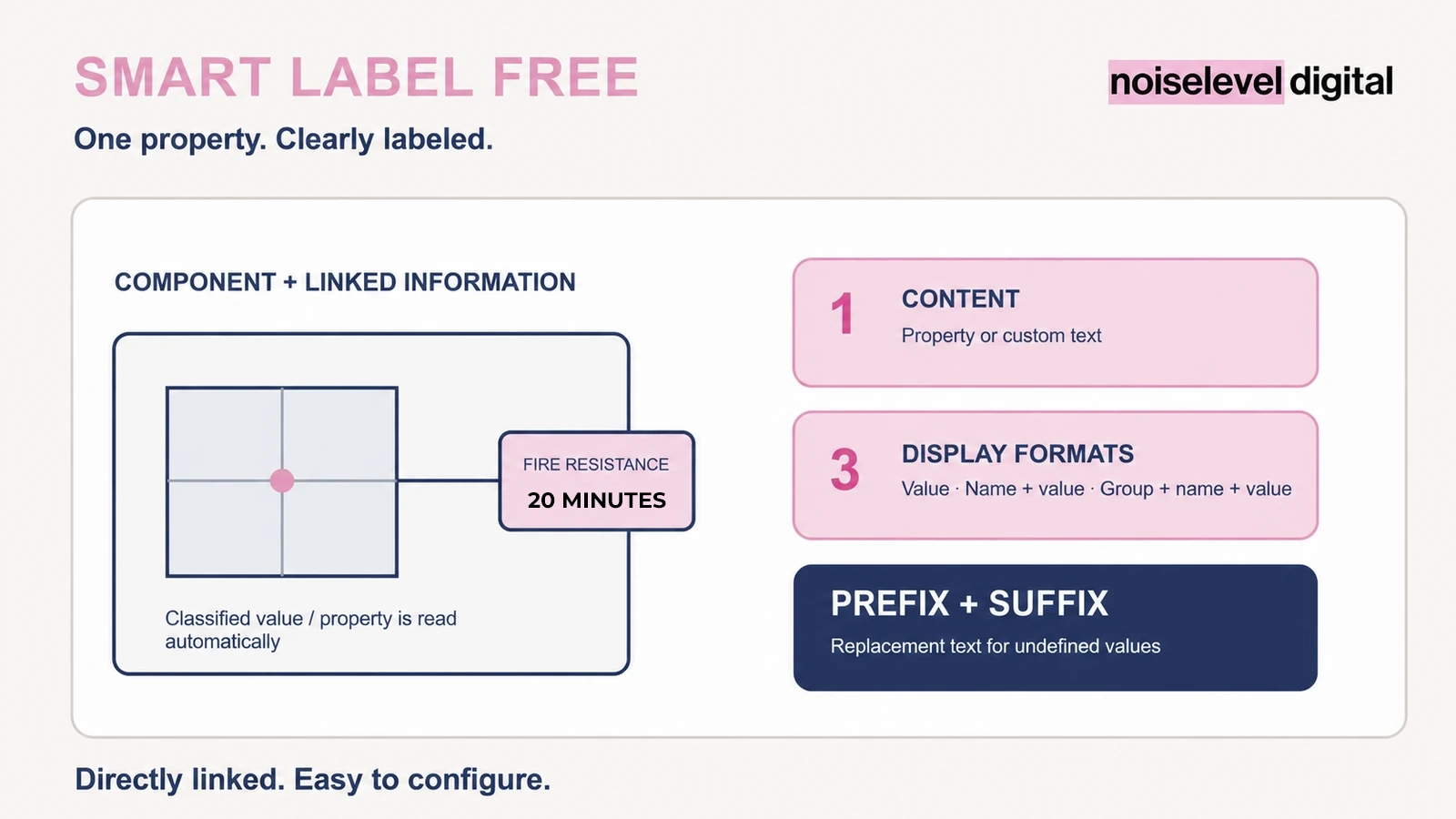
Information in drawings needs to remain readable and reliable. Smart Label Free reads a selected property from the linked element and displays it in a compact label. Alternatively, you can use custom text. This makes it suitable for recurring individual annotations without having to update each label manually.
Included
- one content item per placed label
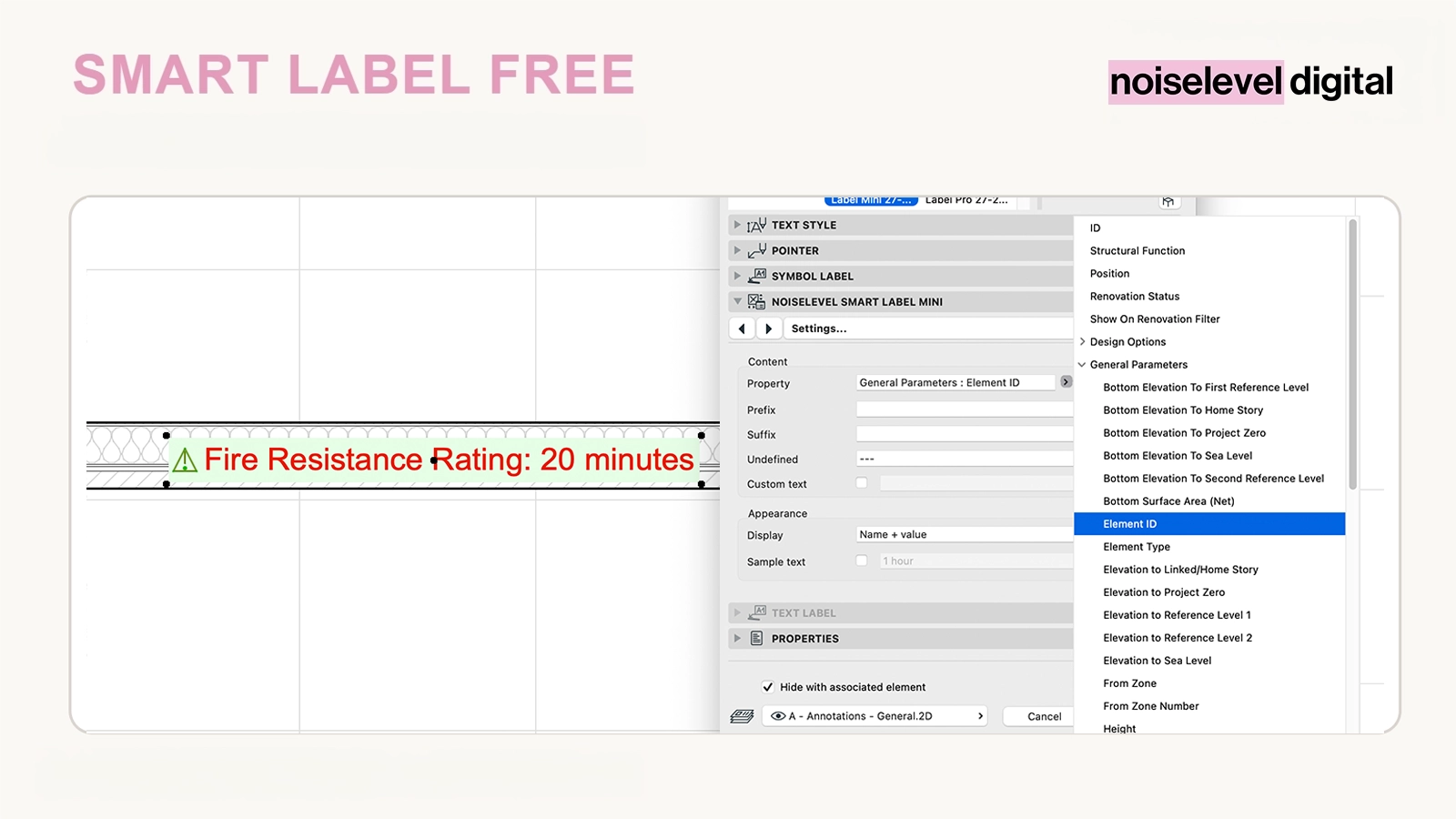
- hierarchical selection of available properties
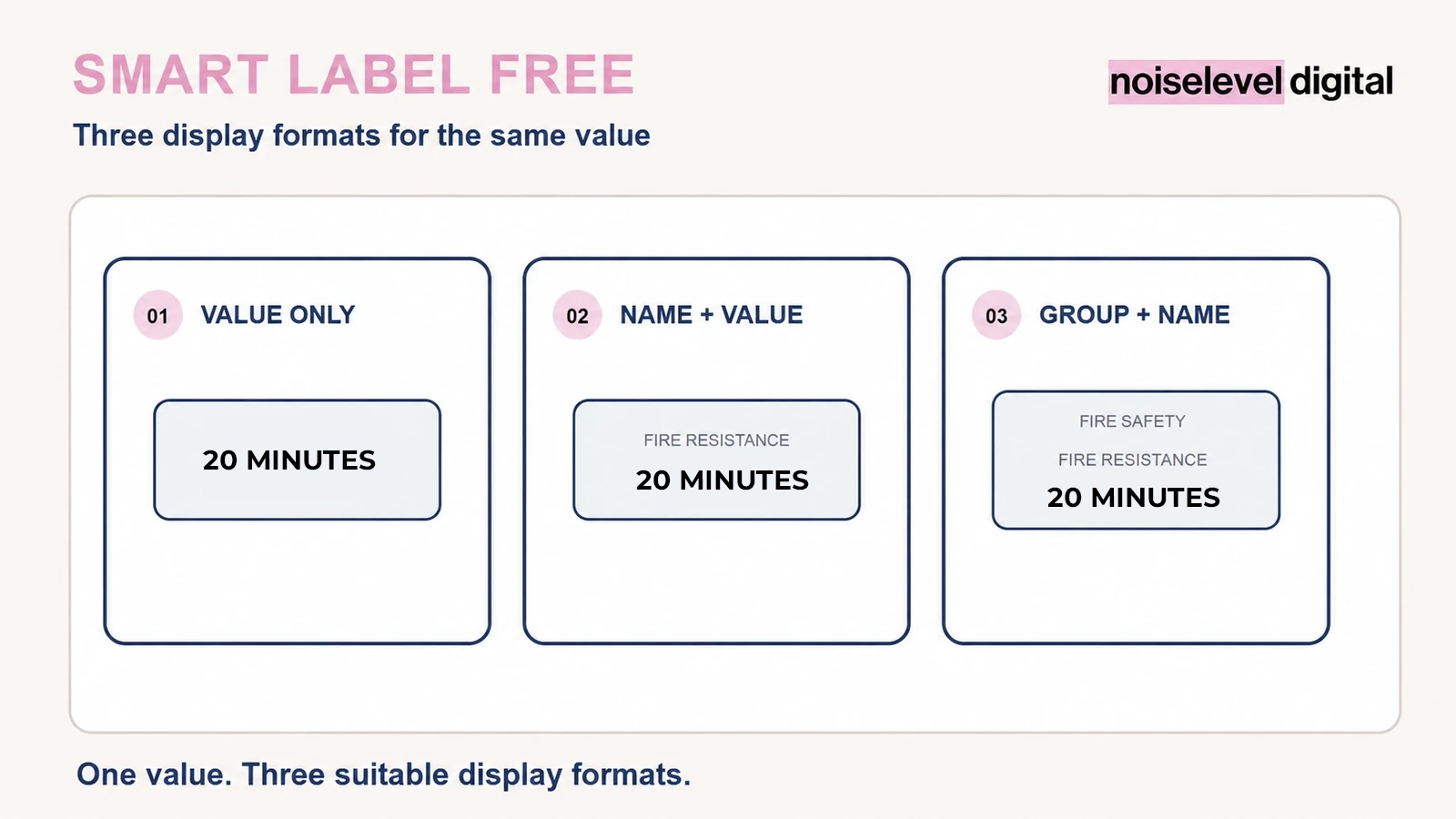
- display as “Value only”, “Name + value” or “Group + name + value”
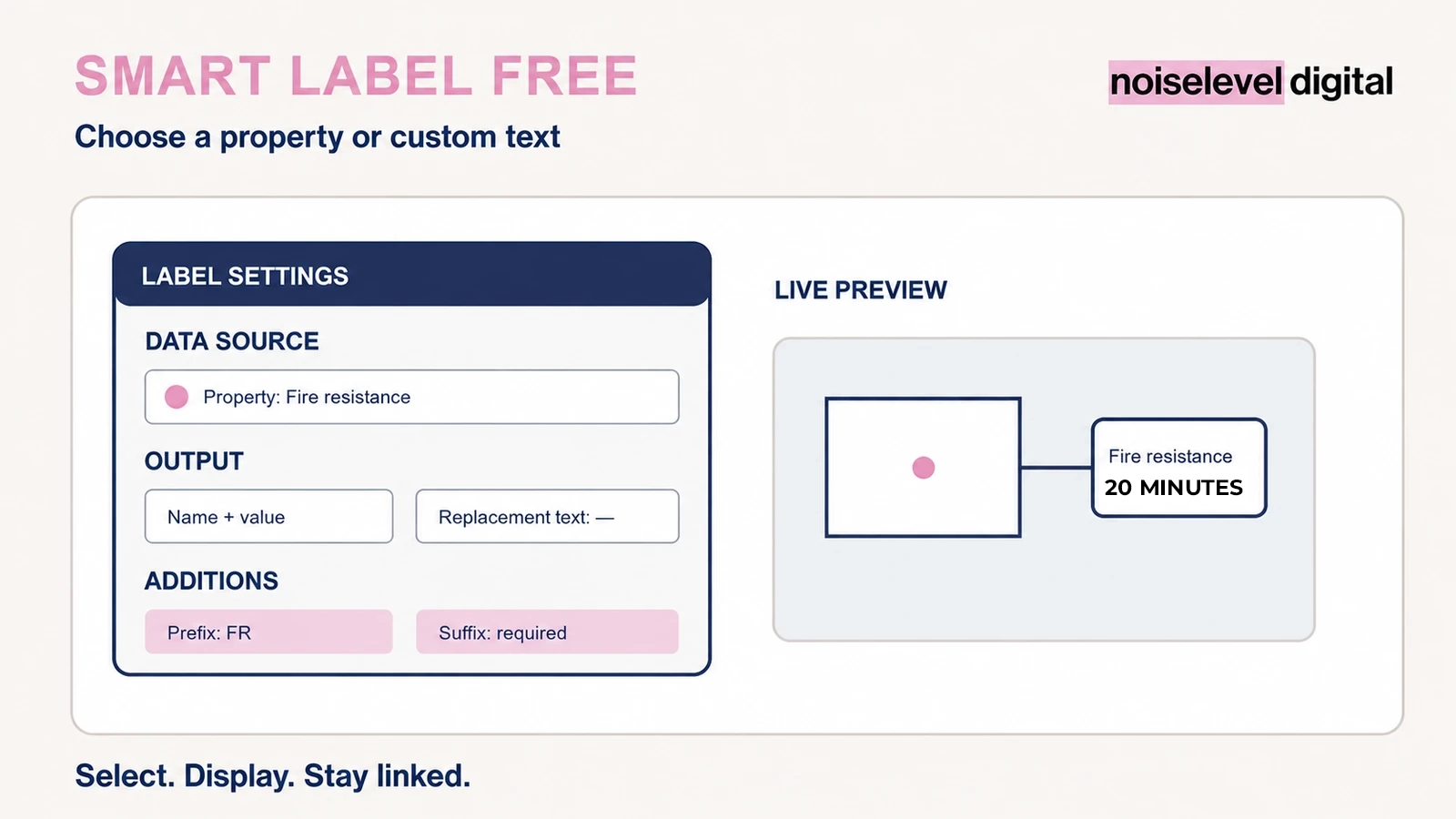
- freely definable prefix and suffix
- fallback text for undefined values
- custom text as an alternative to a property
- sample text for the preview
- GSM library part for Archicad® 27–28
Display properties clearly
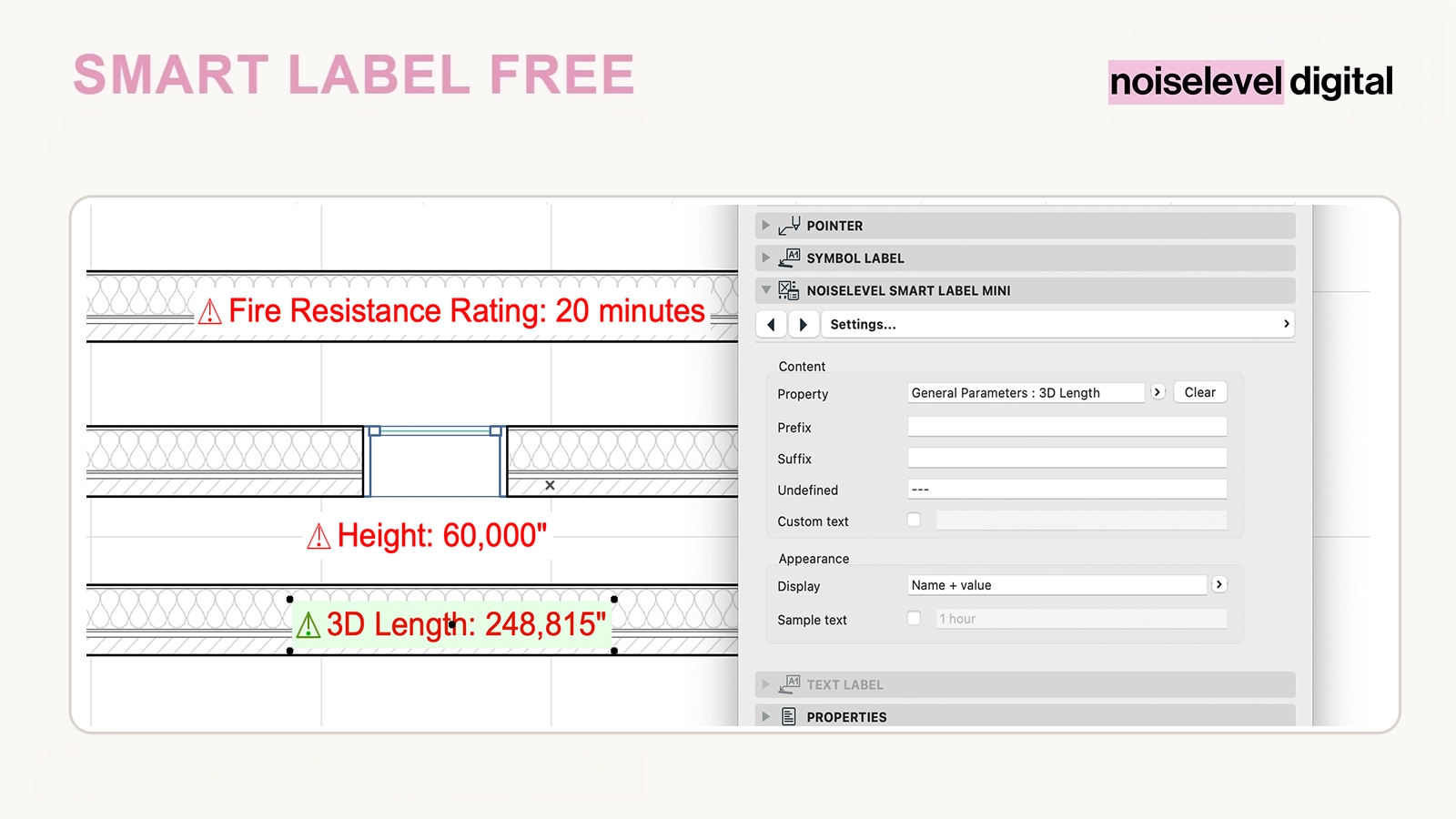
The label supports text, numbers, option sets and profile modifiers. Depending on your drawing standard, it can show only the value or also the property and group names. Prefixes and suffixes add units, abbreviations or explanatory information without changing the underlying element value.
How it helps in everyday office work
- consistent labelling of recurring element information
- fewer manually written annotations that can become outdated
- automatic updates when the linked element changes
- use with host elements and hotlinks
- a quick introduction to the Smart Label system
Who is this tool for?
For architects and planning offices that want to label a single element property clearly or try the system before using Smart Label Pro.
How it works
Unzip the download and load the GSM file through the Library Manager. Link the label to an element using the Label tool, select a property and choose the desired display. If no suitable value is available, use fallback text or custom text.
Technical requirements
The library part was developed for Archicad® 27 and 28 and runs within Archicad® on Windows and macOS. Available properties depend on the linked element and the project template.
Important notes
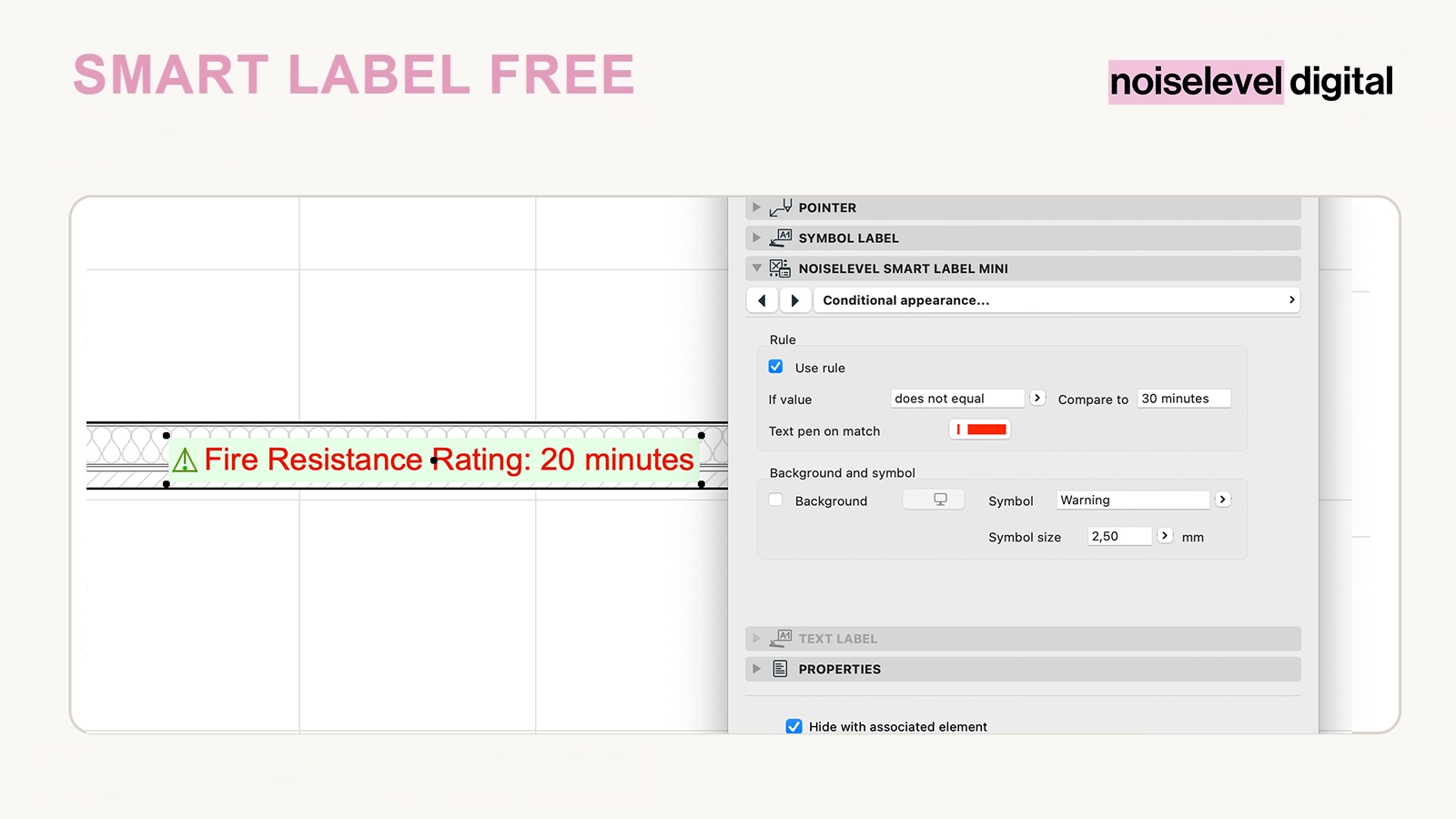
Smart Label Free displays one content item. Multiple combined items, vertical, horizontal and grid arrangements, individual formatting, presets, conditional colours and symbols are features of Smart Label Pro.
Archicad® is a registered trademark of GRAPHISOFT SE. Noiselevel Digital is not affiliated with or endorsed by GRAPHISOFT SE.