Smart Plan Frame
One parametric plan frame for DIN and custom sheet formats, margins, fold marks and title-block areas.
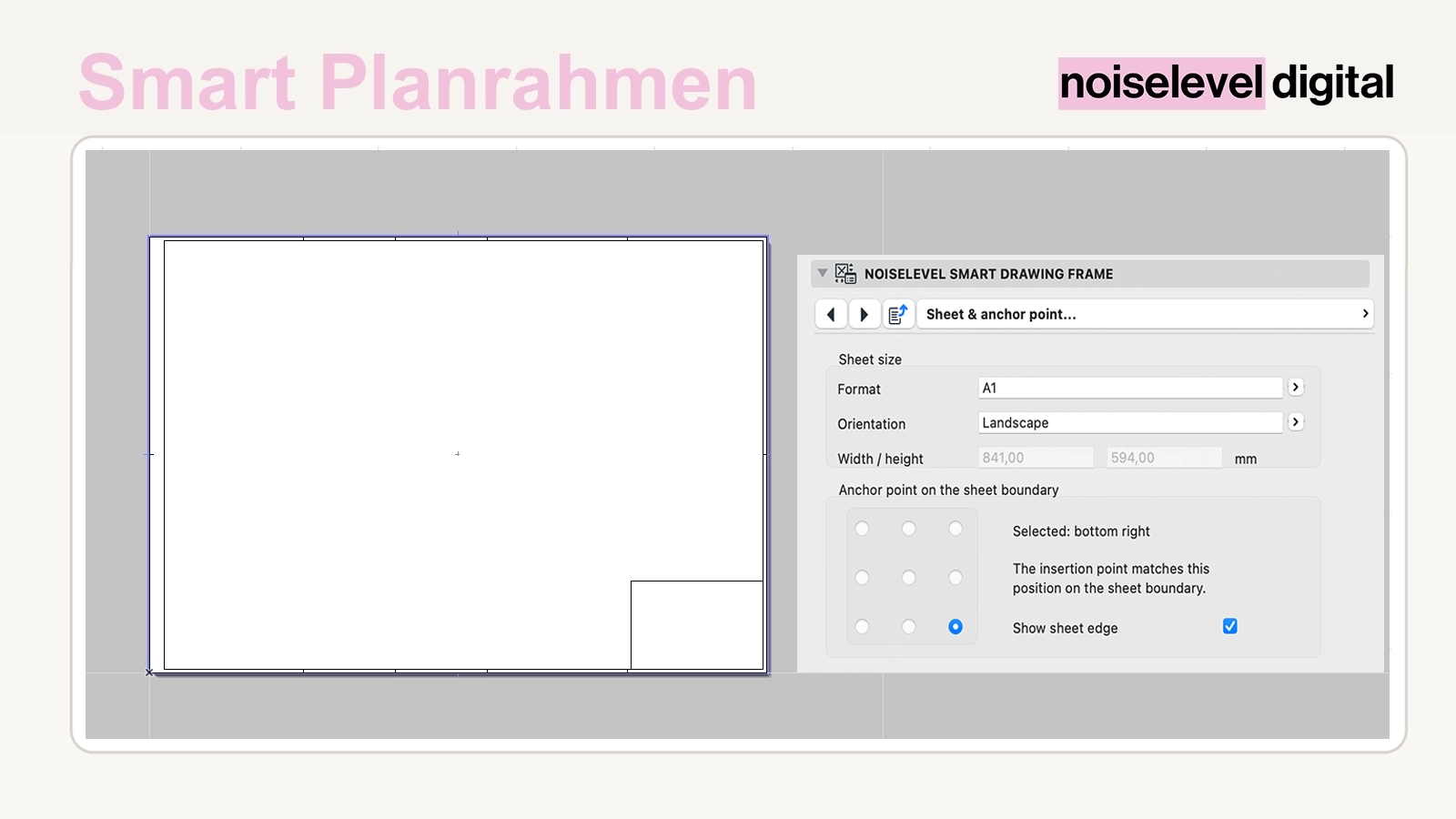
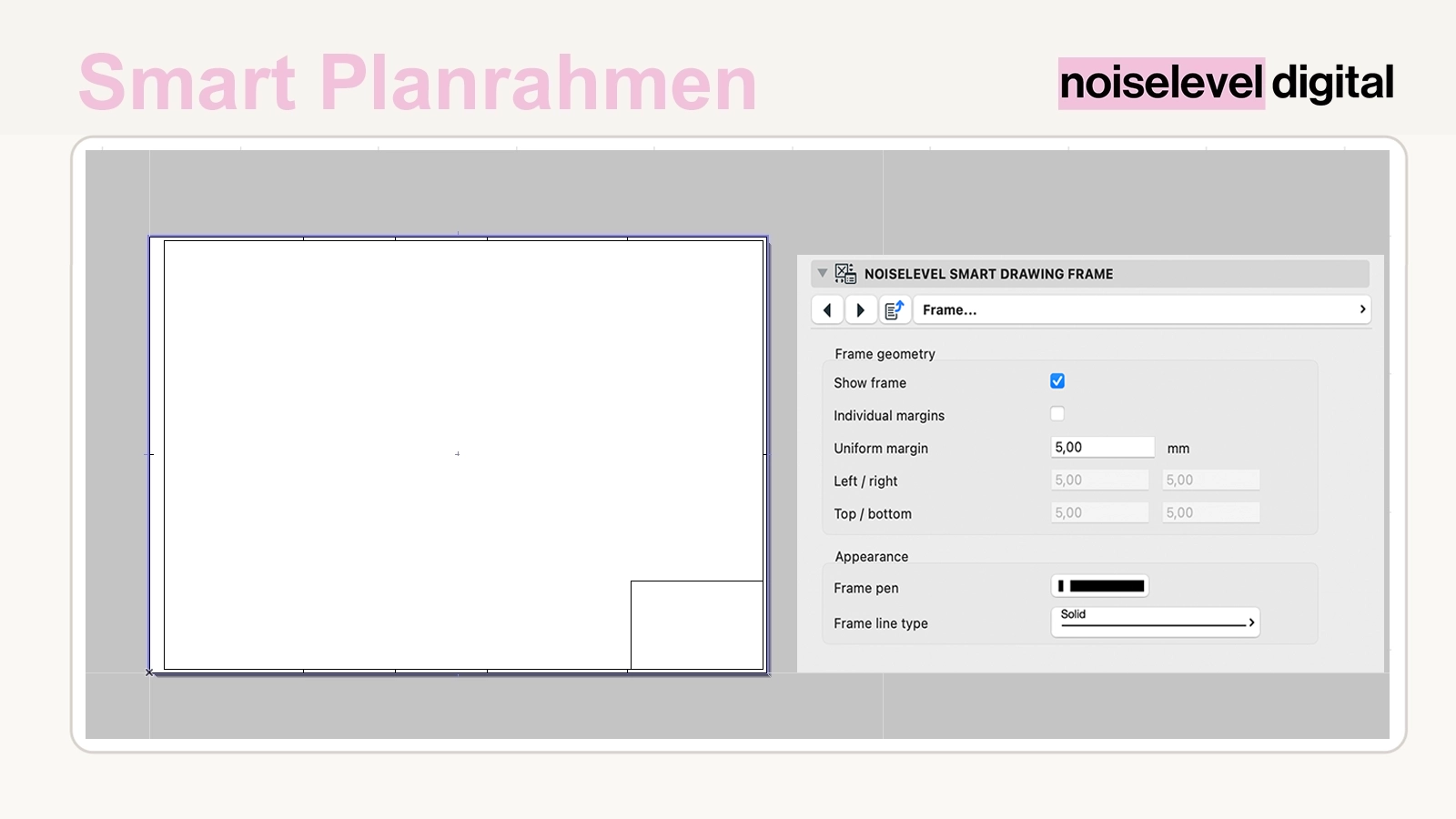
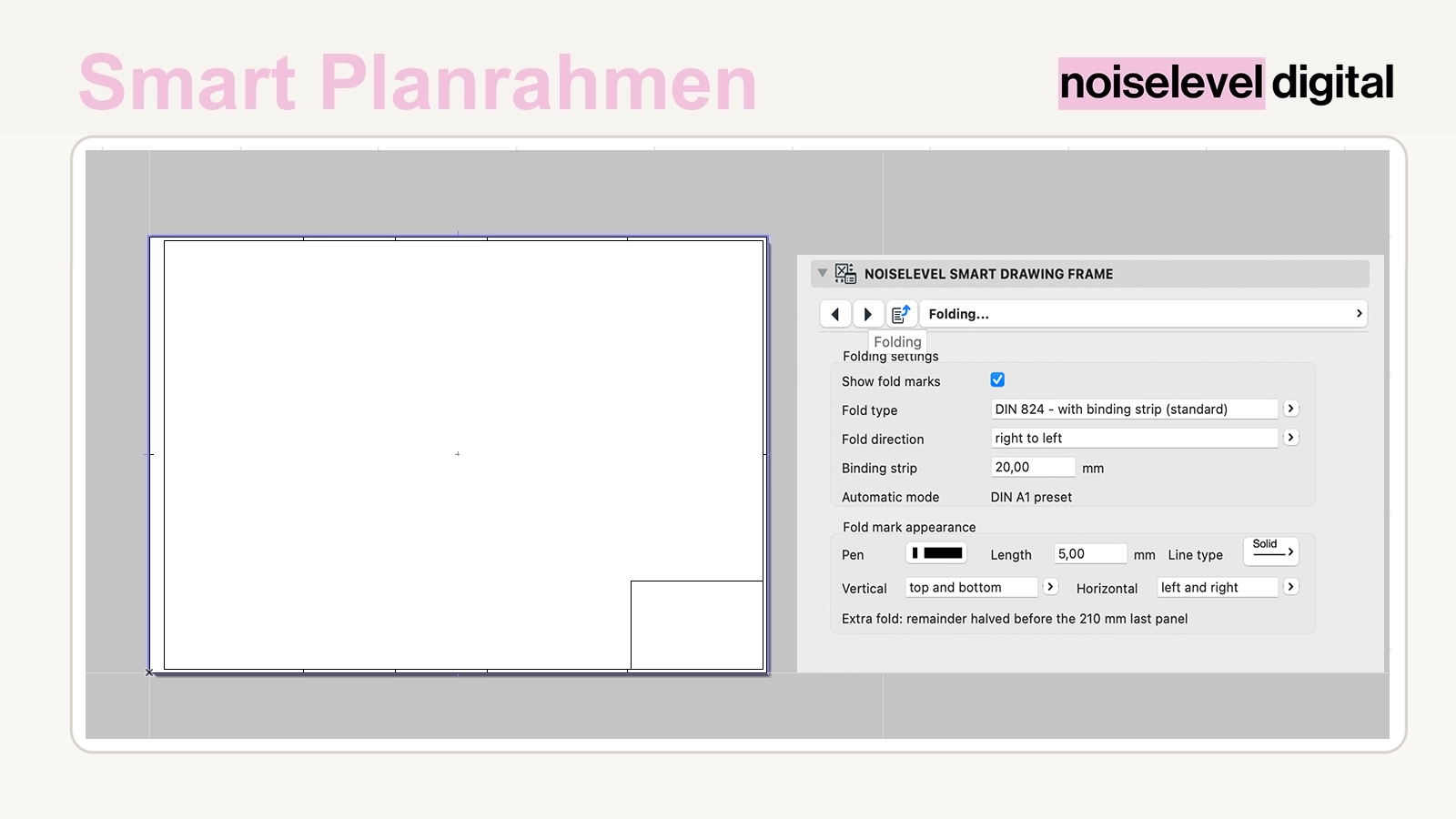
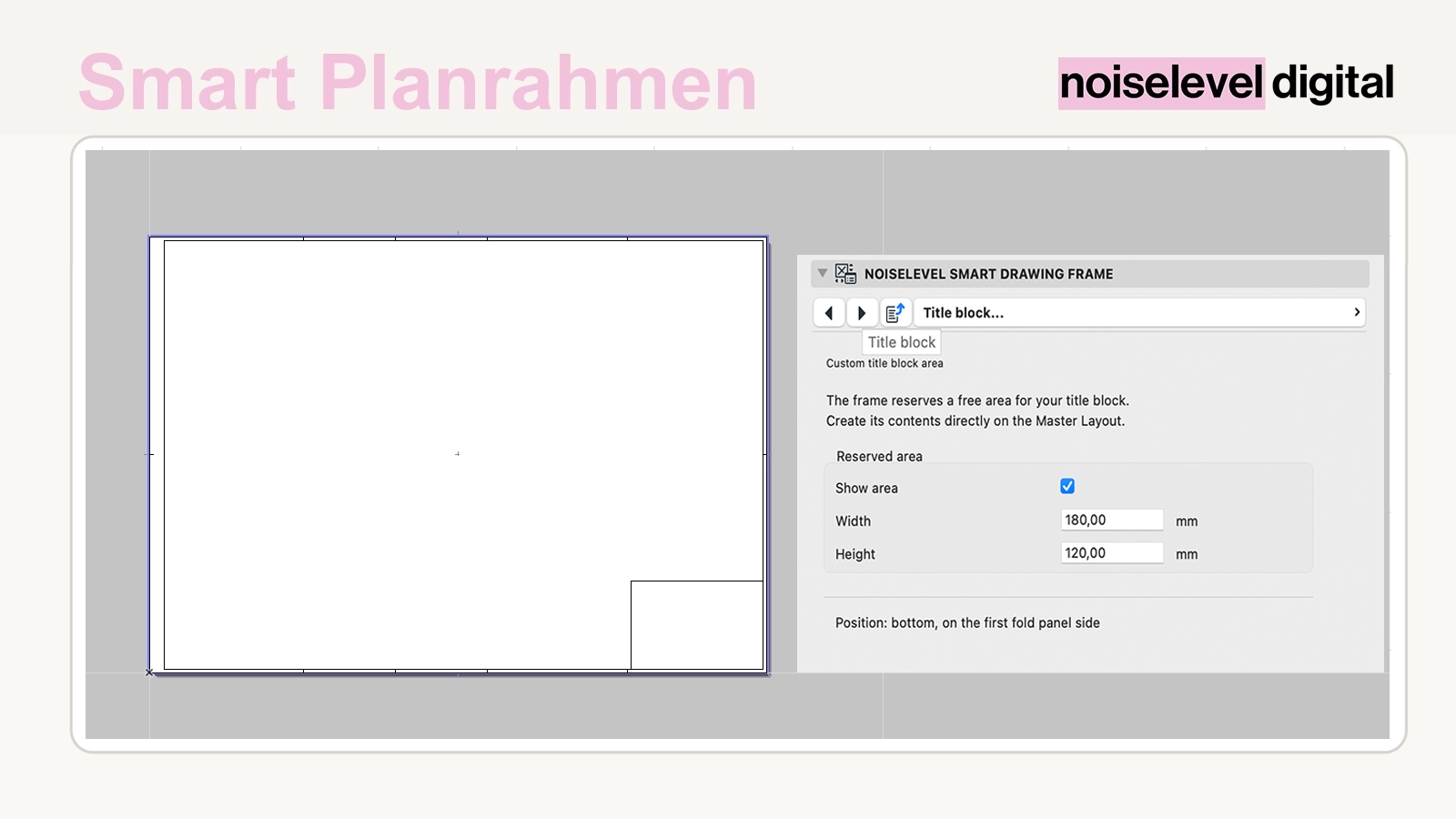
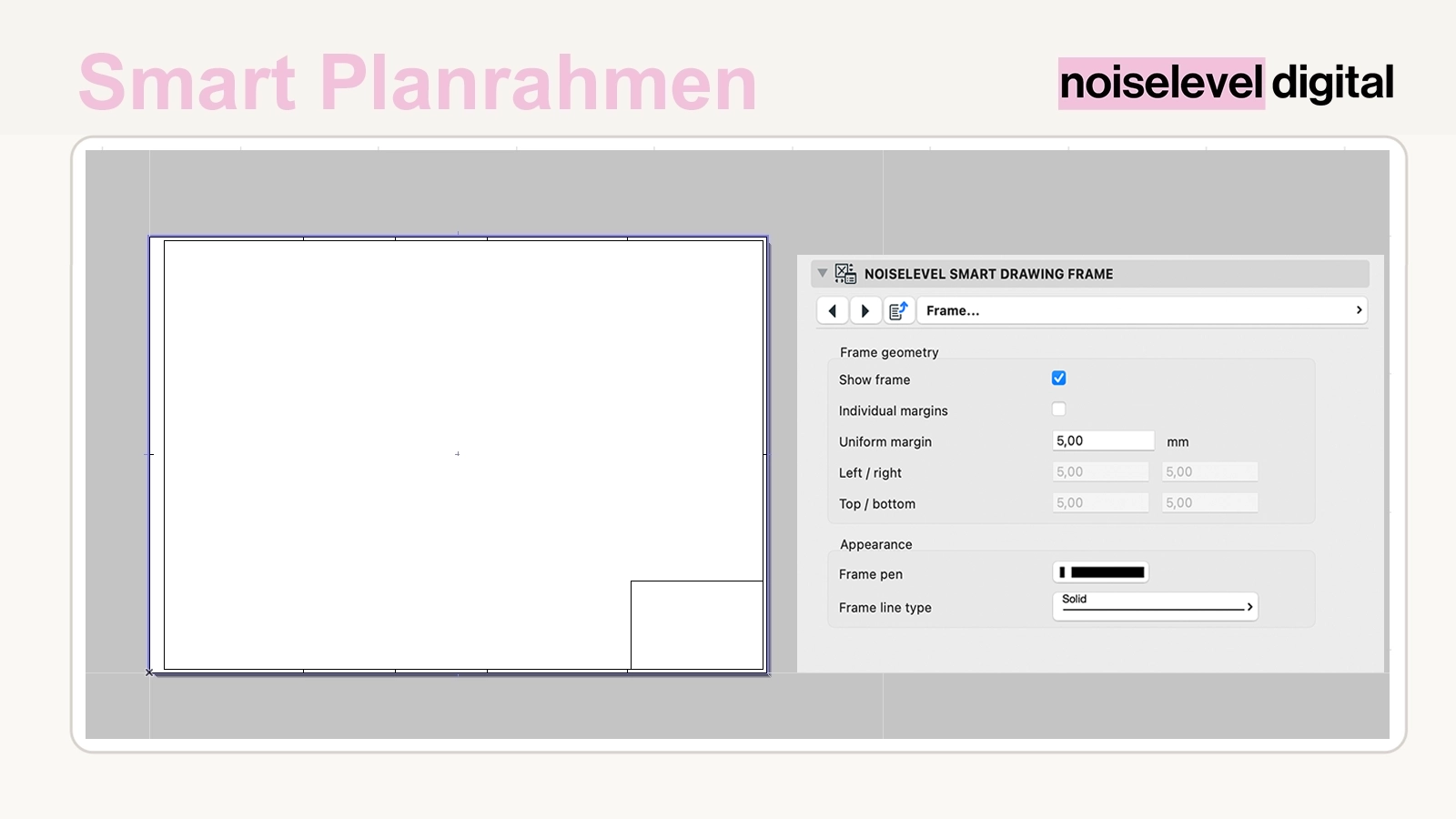
One plan frame instead of multiple variants
Different sheet sizes, margins and folding methods can quickly lead to multiple frame objects or manually adjusted copies. Smart Plan Frame brings these settings together in one parametric library part. The same frame can be used on different master layouts and reconfigured when the format changes.
Included
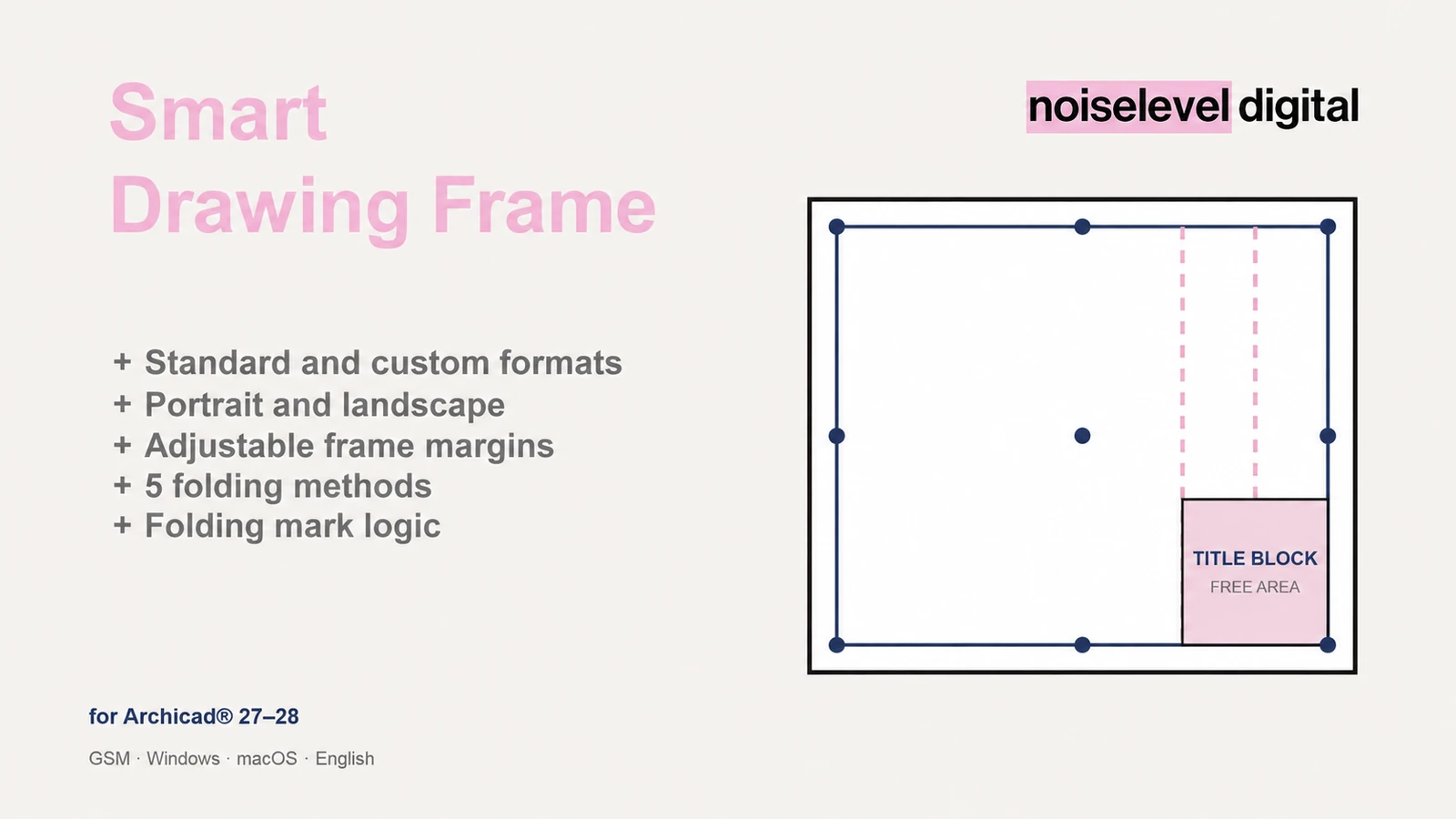
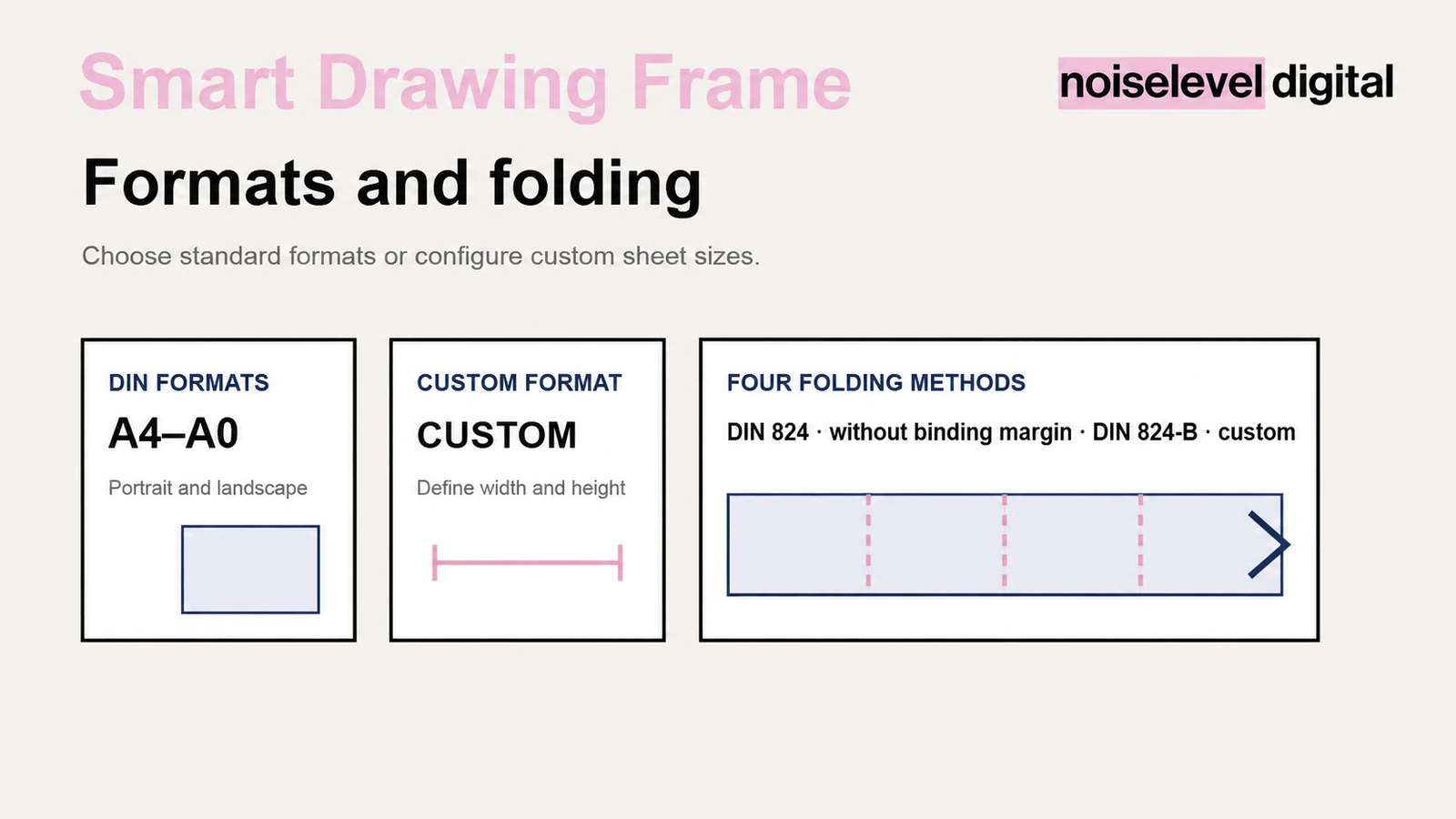
- predefined A4, A3, A2, A1 and A0 sheet sizes
- freely definable custom formats
- portrait and landscape orientation
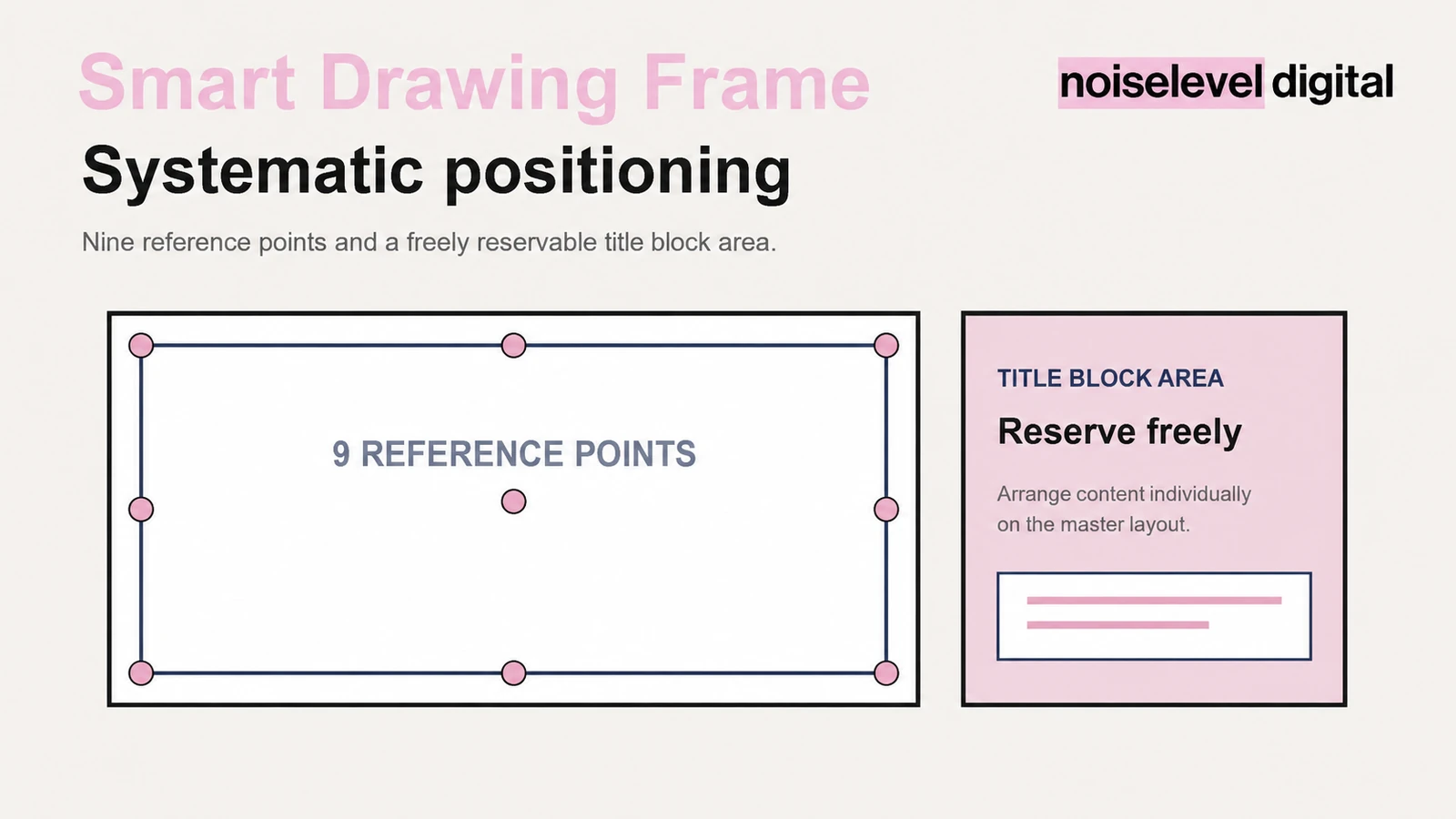
- nine anchor points on the outer sheet edge
- frame margins adjustable together or individually
- four folding methods, including custom folding
- folding from right to left or left to right
- freely reservable title-block area
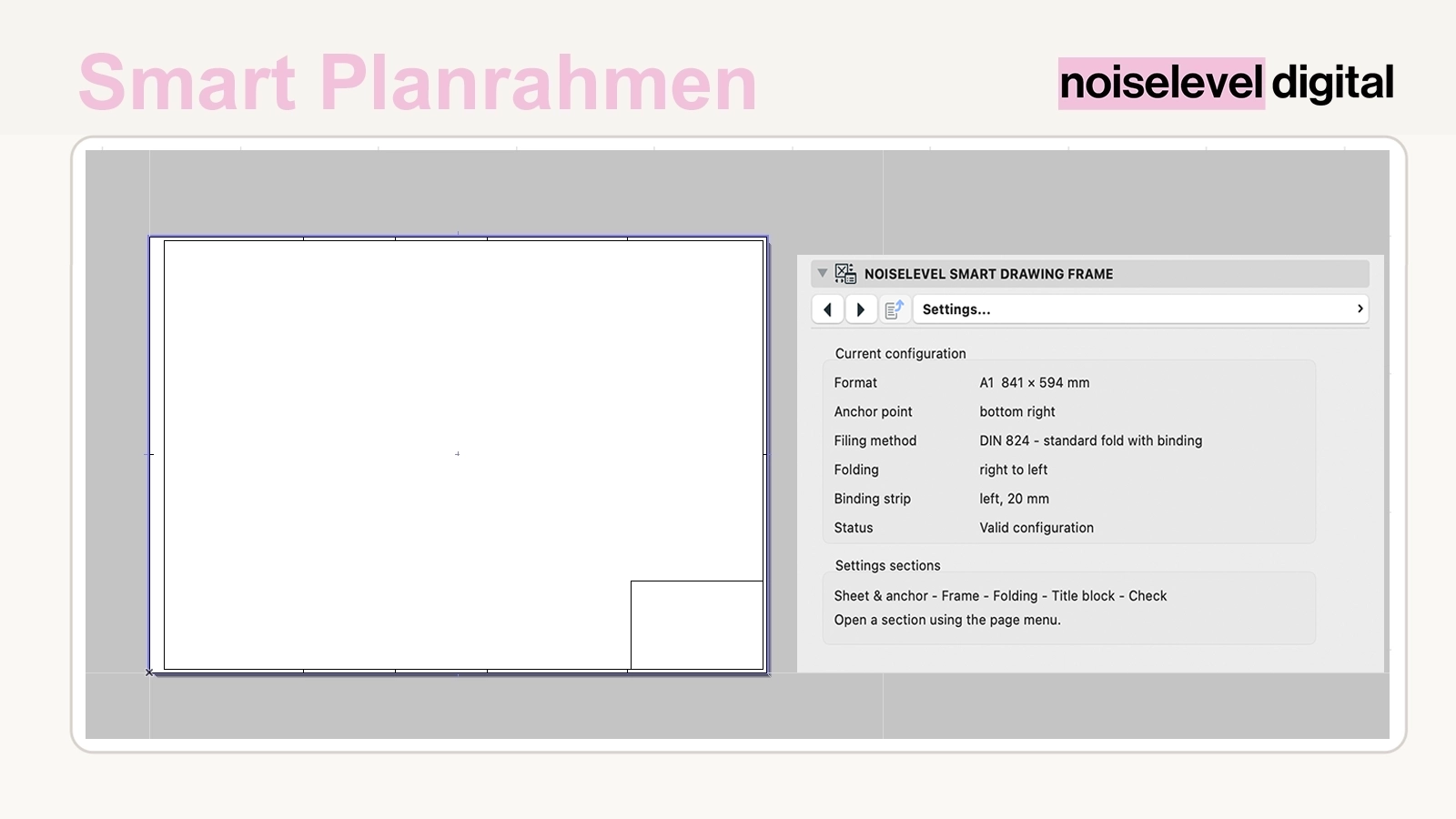
- review display showing format, folding method and status
- GSM library part for Archicad® 27–28
Manage standard and custom formats together
Prepared sheet sizes are available for standard formats. For custom formats, start, regular and end panels are defined; the tool uses these to support intermediate folding of the remaining sheet area. Change the format through the existing object's settings.
Control fold marks for the intended output
Available methods include DIN 824 with a binding strip, DIN folding without binding, DIN 824-B with an additional filing strip, and custom folding. Fold marks can be shown at the top and bottom, only at the top or only at the bottom, and horizontally on the left, right or one side.
How it helps in everyday office work
- one shared frame object for standard and custom formats
- format changes without an additional library part
- fold marks follow the selected folding method and direction
- nine anchor points simplify placement on different master layouts
- frame, outer sheet edge and margins remain independently controllable
- a reserved area keeps space free for your office-specific title block
- the review display helps you check the sheet before output
For architecture and planning offices
The tool is intended for offices that build plan frames centrally on master layouts and want to manage different sheet sizes, folding methods and title-block arrangements within one system.
How it works
Unzip the download, load the GSM file through the Library Manager and place Smart Plan Frame on the required master layout using the Object tool. Select the sheet format, orientation and anchor point, set the frame margins, then configure the folding method, direction, fold marks and title-block area.
Review display and title-block area
The review display shows the selected format, folding method and current status. The title-block area reserves free space on the side of the first folding panel. Actual title-block content remains office-specific and is created separately on the master layout.
Technical requirements
The library part was developed for Archicad® 27 and 28 and is supplied as a GSM file in a ZIP package. Project templates, attributes, pens, fonts and line types may differ and may need adjustment to the relevant office standard.
Important notes
Smart Plan Frame supports the preparation of frames and fold marks, but does not replace checks of actual printing and folding conditions. Before issuing final drawings, check the sheet format, print settings, plotter margins and internal office requirements. Switch off the review display before publishing.
Archicad® is a registered trademark of GRAPHISOFT SE. Noiselevel Digital is not affiliated with or endorsed by GRAPHISOFT SE.